Skip to content
View in the app

A better way to browse. Learn more.

Soxtalk.com

A full-screen app on your home screen with push notifications, badges and more.

To install this app on iOS and iPadOS
  1. Tap the Share icon in Safari
  2. Scroll the menu and tap Add to Home Screen.
  3. Tap Add in the top-right corner.
To install this app on Android
  1. Tap the 3-dot menu (⋮) in the top-right corner of the browser.
  2. Tap Add to Home screen or Install app.
  3. Confirm by tapping Install.

ChesterCopperpot

Members
  • Joined

  • Last visited

  1. Wahhhhh wahhh
  2. ChesterCopperpot replied to Nokona's topic in Pale Hose Talk
    Man, that Wise guy sure is fun to watch. Why is he batting so low in the batting order?
  3. So we can see Beckham or so we can score some runs? Or are those the same thing?
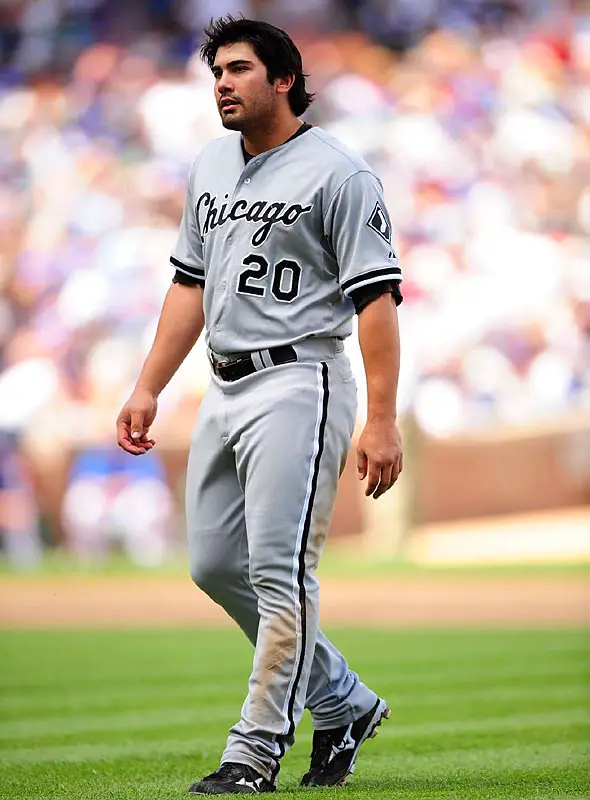
  4. I miss Carlos.
  5. How about The Gourd. It's kinda intimidating.
  6. As long as it's not GBeck. Or GB6.
  7. I need to get some tixxxxxxx
  8. HELL YEAHHHHHHHH. I hope this doesn't mess him up, but I think he'll be fine.
  9. Ozzie's talking about it on 670 right now.
  10. Ugh, I hate when it's on WCIU. I was ready to watch some pregame and had some beer ready... guess it's radio for me tonight.
  11. A win puts the Sox in 2nd place, right? That is unless the Twins make a comeback right now.
  12. Nixxxxxxxxxxxxxxxxxxxxxxxxxxxxxxxxxx

Account

Navigation

Search

Search

Configure browser push notifications

Chrome (Android)
  1. Tap the lock icon next to the address bar.
  2. Tap Permissions → Notifications.
  3. Adjust your preference.
Chrome (Desktop)
  1. Click the padlock icon in the address bar.
  2. Select Site settings.
  3. Find Notifications and adjust your preference.