

Heads22
Admin Emeritus
-
Joined
-
Last visited
Everything posted by Heads22
-
hell yeah miguel
-
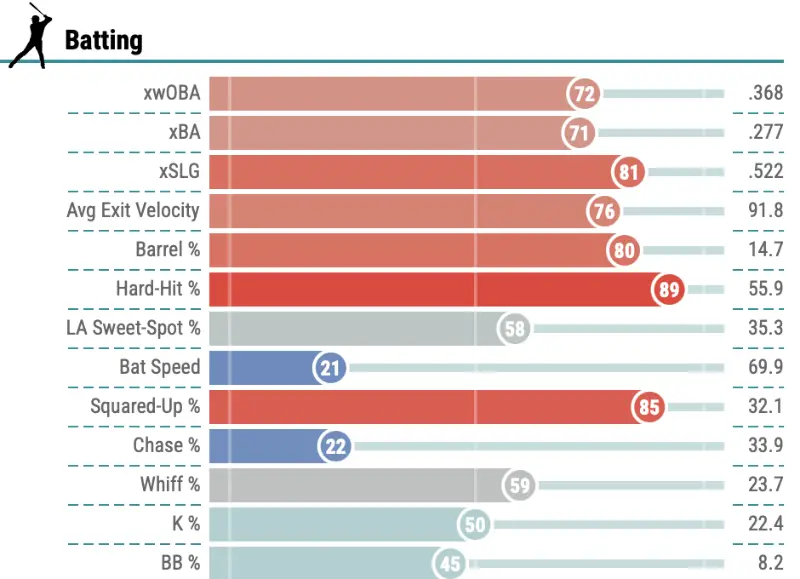
guess the player on the white sox
-
holy s%*# we scored runs
-
He didn't deserve a roster spot out of spring training.
-
omar needs to reach so he can show off his wheels again
-
we finally got the nick madrigal we were promised
-
i can see how you would pitch around palacios
-
AV can't buy a hit right now
-
at least miguel hasn't been a train wreck at third
-
no one can use this version of robert
-
hell yeah brooks
-
boston looks like the white sox
-
pile it on
-
so unstoppable
-
they did it! eventually
-
hell yeah davis
-
hell yeah omar
-
chase might be my favorite player
-
this team remains unstoppable
-
hell yeah davis
-
this team appears to be unstoppable
-
luis did a thing
-
hell yeah miguel
-
omars speed scares
-
hell yeah chase


