Everything posted by southsider2k5
-
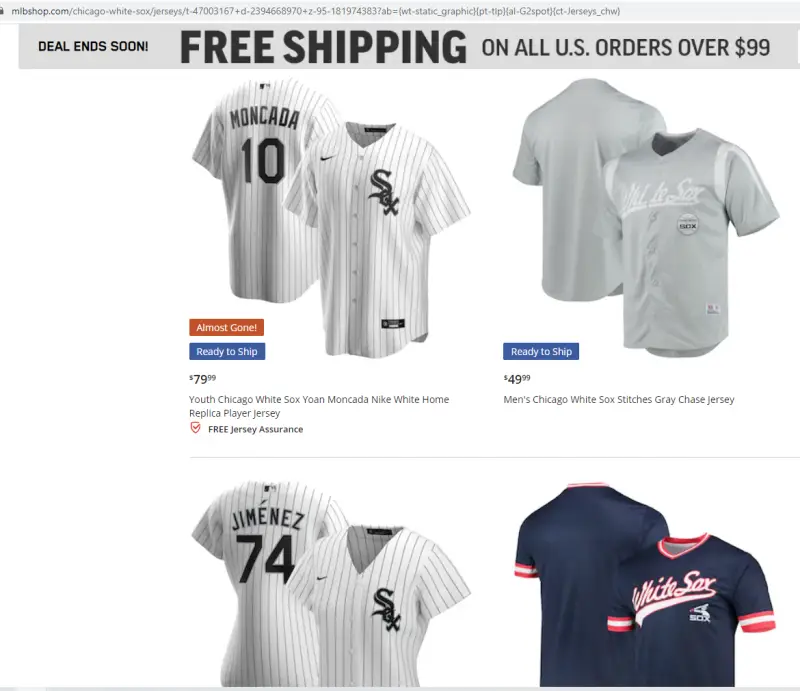
Between the whole grip/no grip thing, and now the whole dueling baseballs thing, I wonder how much Dallas was hit by some of this.They did exactly that already.It warms my heart to see pretty much everyone is on #TeamNeitherAnd for the record, you can still buy team jerseys on the page.
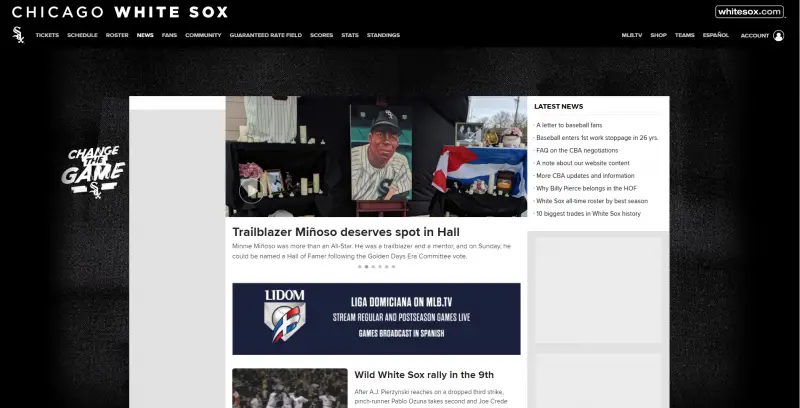
 The cover of whitesox.com
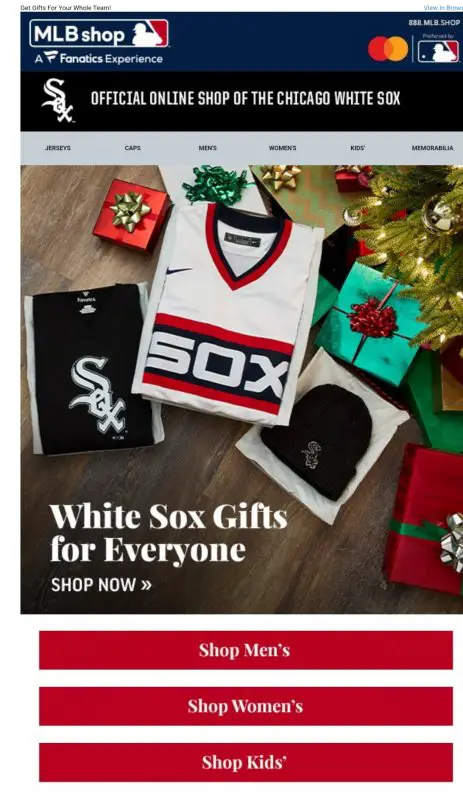
 On the bright side still getting these emails... oh wait.
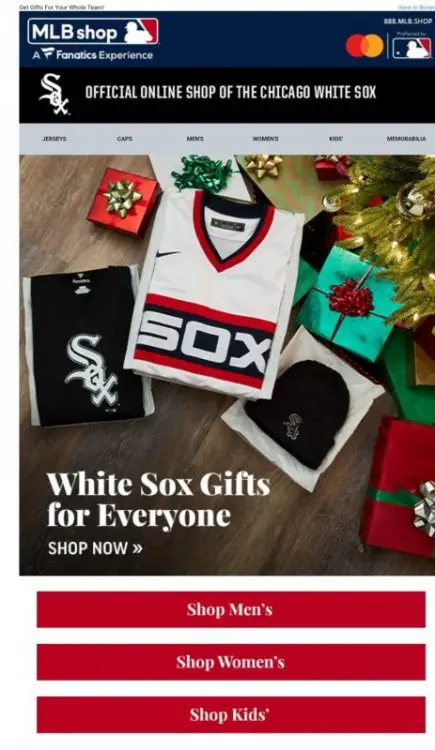 They even took down the scoreboard widget app. Wtf.There is no winning answer here.BUT WHAT ABOUT MADRIGAL????
Account
Navigation
Search
Configure browser push notifications
Chrome (Android)
- Tap the lock icon next to the address bar.
- Tap Permissions → Notifications.
- Adjust your preference.
Chrome (Desktop)
- Click the padlock icon in the address bar.
- Select Site settings.
- Find Notifications and adjust your preference.
Safari (iOS 16.4+)
- Ensure the site is installed via Add to Home Screen.
- Open Settings App → Notifications.
- Find your app name and adjust your preference.
Safari (macOS)
- Go to Safari → Preferences.
- Click the Websites tab.
- Select Notifications in the sidebar.
- Find this website and adjust your preference.
Edge (Android)
- Tap the lock icon next to the address bar.
- Tap Permissions.
- Find Notifications and adjust your preference.
Edge (Desktop)
- Click the padlock icon in the address bar.
- Click Permissions for this site.
- Find Notifications and adjust your preference.
Firefox (Android)
- Go to Settings → Site permissions.
- Tap Notifications.
- Find this site in the list and adjust your preference.
Firefox (Desktop)
- Open Firefox Settings.
- Search for Notifications.
- Find this site in the list and adjust your preference.