Sleepy Harold
Members
-
Joined
-
Last visited
Everything posted by Sleepy Harold
-
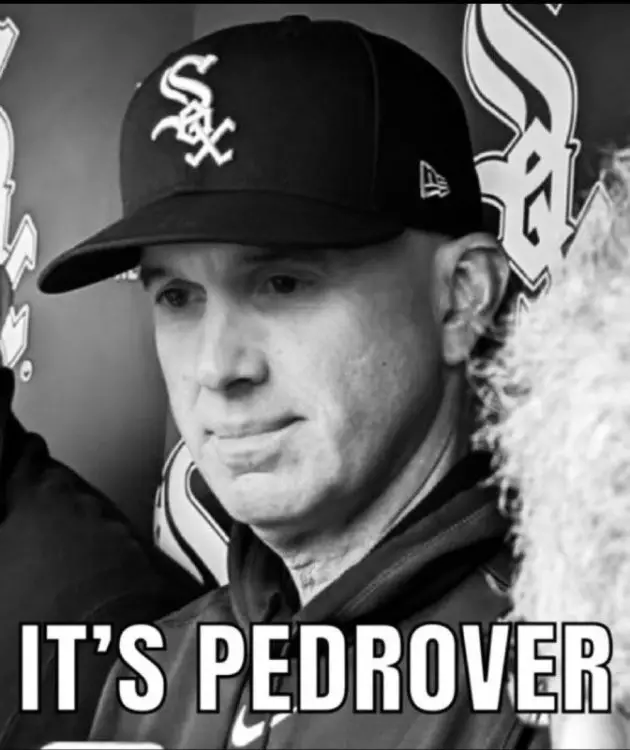
Not sure what you were using it on, but I've had no issues using a VPN for MLB.TV/ESPN+ via firestick.You don't need a new account with a VPN, you could just renew with your current subscription. Before you want to use MLB.TV, you would just need to turn the VPN on to another location (I use NordVPN and have a few random US cities saved to bounce between depending on what I'm trying to watch) and once you're connected to that open the MLB app/MLB.TV.I wonder what our old buddy Pedro is up to these days...
 I saw this thread at 4 pages and thought there was some good ST stuff in here from the first day of camp, but alas...
Account
Navigation
Search
Configure browser push notifications
Chrome (Android)
- Tap the lock icon next to the address bar.
- Tap Permissions → Notifications.
- Adjust your preference.
Chrome (Desktop)
- Click the padlock icon in the address bar.
- Select Site settings.
- Find Notifications and adjust your preference.
Safari (iOS 16.4+)
- Ensure the site is installed via Add to Home Screen.
- Open Settings App → Notifications.
- Find your app name and adjust your preference.
Safari (macOS)
- Go to Safari → Preferences.
- Click the Websites tab.
- Select Notifications in the sidebar.
- Find this website and adjust your preference.
Edge (Android)
- Tap the lock icon next to the address bar.
- Tap Permissions.
- Find Notifications and adjust your preference.
Edge (Desktop)
- Click the padlock icon in the address bar.
- Click Permissions for this site.
- Find Notifications and adjust your preference.
Firefox (Android)
- Go to Settings → Site permissions.
- Tap Notifications.
- Find this site in the list and adjust your preference.
Firefox (Desktop)
- Open Firefox Settings.
- Search for Notifications.
- Find this site in the list and adjust your preference.