southsider2k5
Admin
-
Joined
-
Last visited
Everything posted by southsider2k5
-
It's also privilege to not realize that your words can carry meanings beyond just the words you use.
-
Certain words and phrases mean different things to different people in different situations. Being very active in a community with very evenly divided racial make ups I can tell you for sure that combination of those two sets of phrases would set off alarm bells within a lot of people's heads. Use them in the wrong circles and people will look at you differently. Use them in another crowd and you would make friends with people you don't want to be friends with.
-
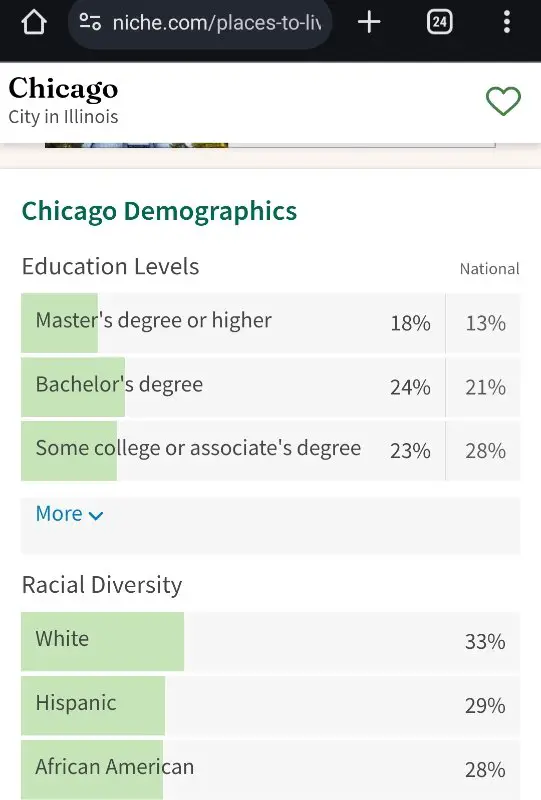
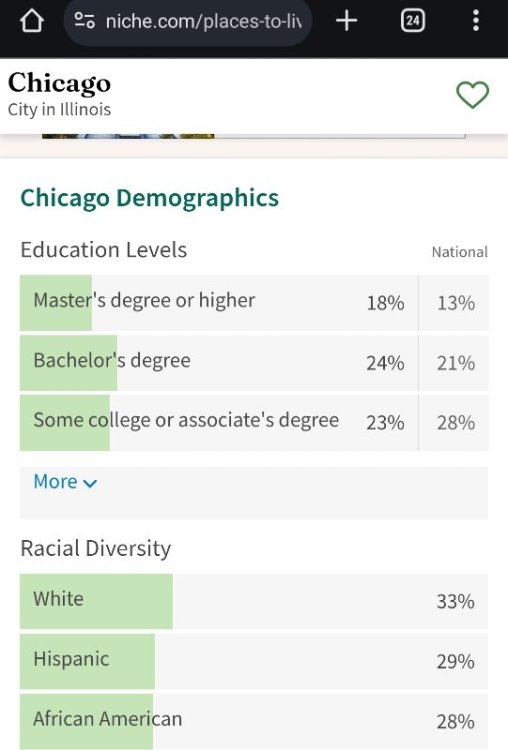
Did you read the last phrase? Usually when you point out majority minority status and then immediately comment on people's "safety" that is a commonly used dog whistle amongst a certain crowd. I have no idea what he actually meant by it, but it is 100% valid to hear that, intended or not.
-
Seriously it all depends on how you are defining "majority" as to one group meaning 50% +1 or more, and the other trying to just say the largest group, even if it isn't over 50%. The largest single race population in Chicago is white, but if combined the next two groups together those do make up more than 50% of the total population. Both things are true at the same time, and when the word majority is used for two of its different definitions, each group is right despite the need to name call because of it.
-
I love that you guys are yelling at each other with the same stats because you are using the word "majority" differently.
-
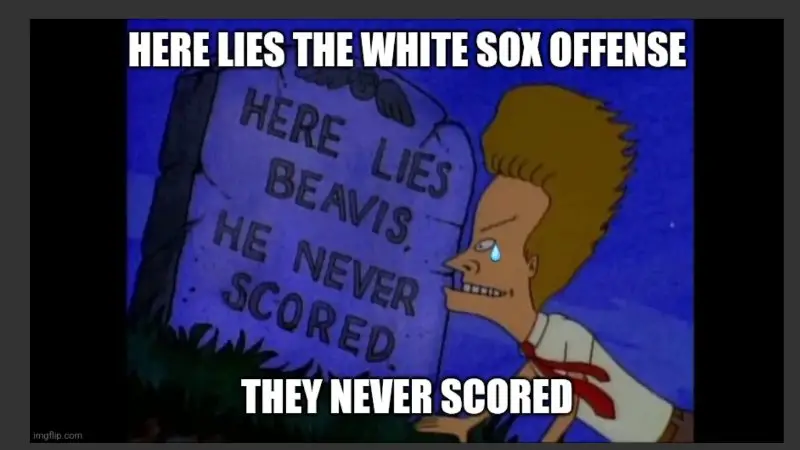
It was more like a Father/Son series where the 6 year olds were swept.
-
I thought getting Eloy and Robert back was supposed to fix things ?
-
Chicago can feel like it is all one race or another because the lingering effects of segregation and redlining still have neighborhoods filled with almost either all white, or all minorities.
-
^
-
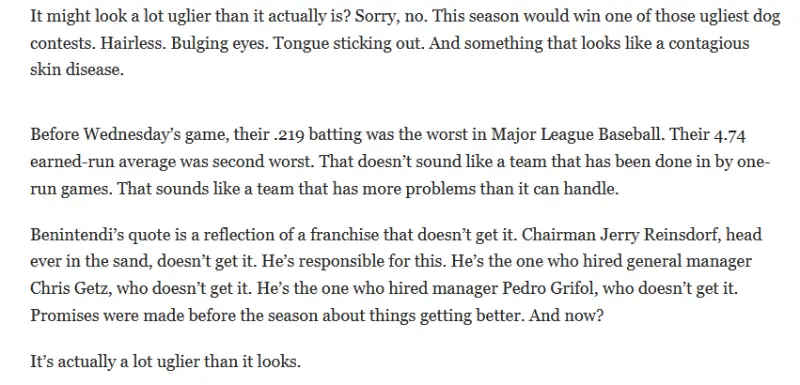
It's like buying a $10,000 hand stitched Italian leather wallet to hold your empty EBT card.Yeah, the thing being missed in all of the "the only reason we are this bad is because all of these bad things happened!" argument, well besides almost all of those thing happen annually anyway is that this season could have actually gone worse still. It isn't hard to see a scenario where the Crochet as a starter thing is a disaster, Fedde is the same pitcher he has always been in MLB, and Korey Lee doesn't have a breakthrough 1st half. Instead Crochet is Cy Young, Fedde is a #2, and Lee is pushing all star considerations after hitting like Moldy last year. If you asked me if the above or the injuries to Robert/Moncada/Jimenez + awful starts by Benny and Vaughn was more likely I would bet most Sox fans would have felt the latter was more likely. In some ways Chris Getz has actually seen his team have a very lucky 1st half.I am beginning to understand why your letters are no longer answered.I see you are new here.Damn.
 "Do I want to pay for a three hour kicking in the nuts? Hmmmmm...." DELETEI am more interesting in Clevinger moving out of Chicago, but se la vieAssistant Regional Manager No Assistant TO THE Regional Manager.The only reason Sosa is here is because of the injury to Moncada. Lee is not starting nearly enough while sharing time with literally the worst player in baseball this year.Yeah, you are missing the changes in era of pitching. James Baldwin with a 4.65 era was above average for an ERA+ of 108 Chris Flexen with a 5.13 era is 20% below average with an ERA+ of 80. Flexen's ERA of 4.97 for his career is an 83 ERA+, while Baldwins higher 5.01 ERA actually worked out to an ERA+ of 92.This is absolutely not changing the subject, it is salvaging what you can out of a historically bad season. Besides it isn't like we have done this anyway and continue to run players out there who have no future, nor trade value, out there on a daily basis.Trying to win today, at the expense of tomorrow, with a 120 loss team? Yeah, I am going to be mocking that for sure. Grinding through worthless players so as to block anyone who has control and needs on the job training, it an absolute mistake. As of today, this is about getting the most out of the players who are going to be here in 5 years, and not winning more games in 2024.And large portions of this were from when you could unlimited spend in the draft, and you could unlimited spend in the international market, and you could unlimited spend in Japan, and you could unlimited spend on payroll with no negative impacts.Also this... which would be 2030/2031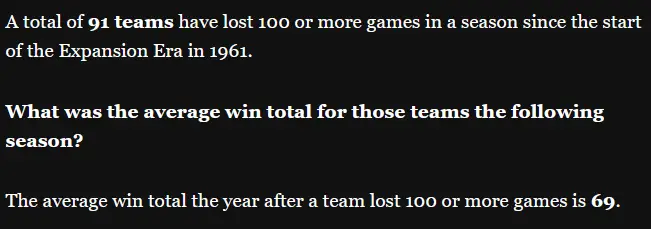
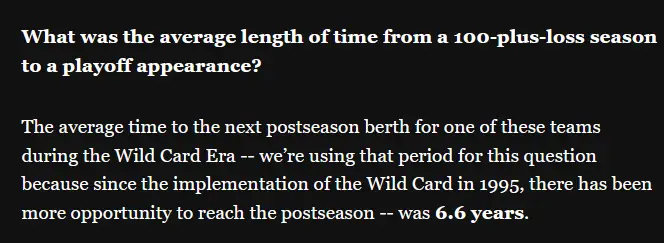 One more time just for emphasis, there is a big difference between being 100 losses bad, and 120 losses bad. One has happened once in 125 years. 91 teams have lost 100 or more games just since 1962. https://www.mlb.com/news/best-teams-following-100-loss-season also of note as to how far behind we would be at 100 losses...