
Reddy
Members
-
Joined
-
Last visited
-
Wait you hid my post that was analyzing the damn map? Jesus, now I remember why I stopped posting here.
-
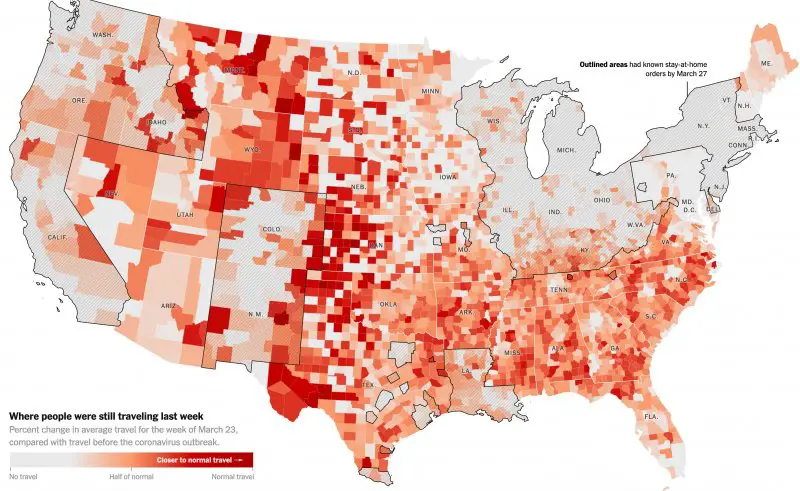
A more accurate map:
-
Ok Fox News was the enemy. You got me there.
-
Fuck. Listening to the Sox while on roadtrips or at work or when the game's blacked out will never be the same. Heartbreaking.
-
In what world can you thread a needle so perfectly as to avoid talking politics while talking about the epidemic? Lord.
-
This aged well.
-
+1 *rides back off into the night*
-
They're wrong, however, since DC is a completely autonomous self-governed entity
-
Can we not?
-
No they aren't.
-
At the game and that play with Anderson was one of the funniest things I've ever seen in a baseball game. Sometimes ya just gotta laugh.
-
PREACH. Appreciate how many posters are on the right side of this issue. We're making progress y'all.
-
You must be young.
-
Man who doesn't use forum saying forum is unnecessary is the hottest of takes.
-
100%. The convos here were far and away better than elsewhere on the internet.