All Activity
Past hour
-
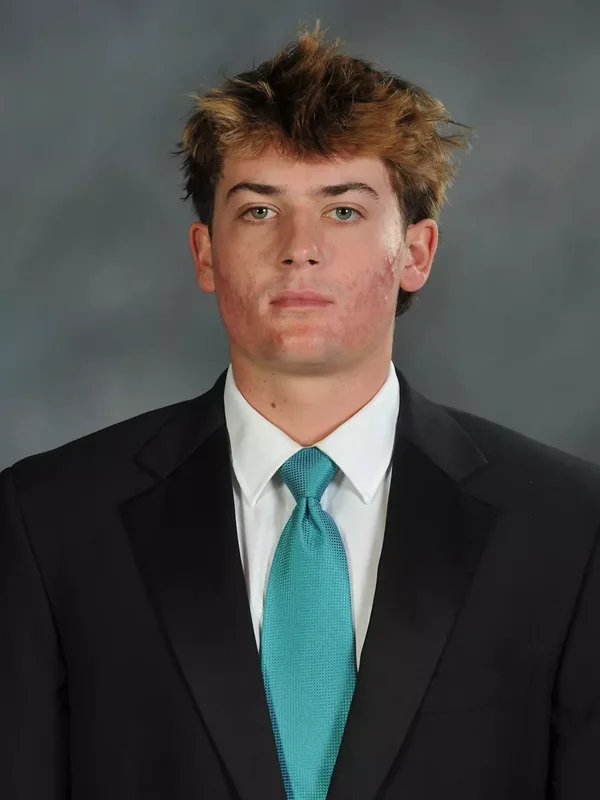
He looks like he was just caught drinking by his parents lol
-
Give Me 8 to 2 here Mune!
-
That works for me. No.
-
How is Acuña's supposed to get better against left-handed pitchers?
-
Mune bomb time!
-
why is c*** blocked but cock isnt
-
That's one back! Keep moving the line.It’s bad, but it’s still light years better than “Chairman of the Board.”Antonacci should be starting 10 times out of 10 over Acuna even if a lefty is in. Save Acuna for pinch running late in games and use his speedGot one back, let's get a couple moreApologize.I think Sam is going to try to steal..I’ll give him credit, he’s fast as f*** for a big dude.Did Plesac just give Sam a nickname? “Sam I Am”OMGDoyle having an impact!You’re still going to hell, for all the other evil things you know you do.ATTABABY!!!! YES!!!!Sam !Pinch hitting already? Venable plays his cards too early.All Sammy does is hit.It was sarcasm.You’re going to hell.Love the speed of Doyle.



.thumb.jpg.acbdc1097283affff104fdb503e5766f.jpg)