Everything posted by southsider2k5
-
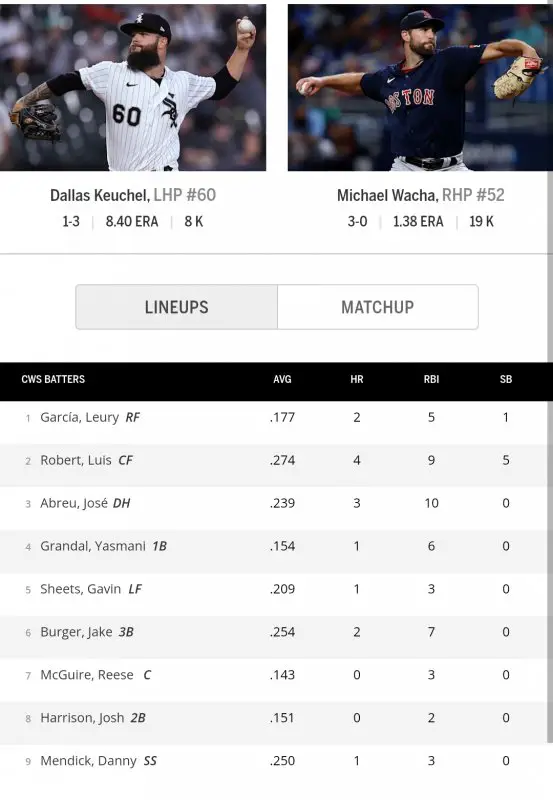
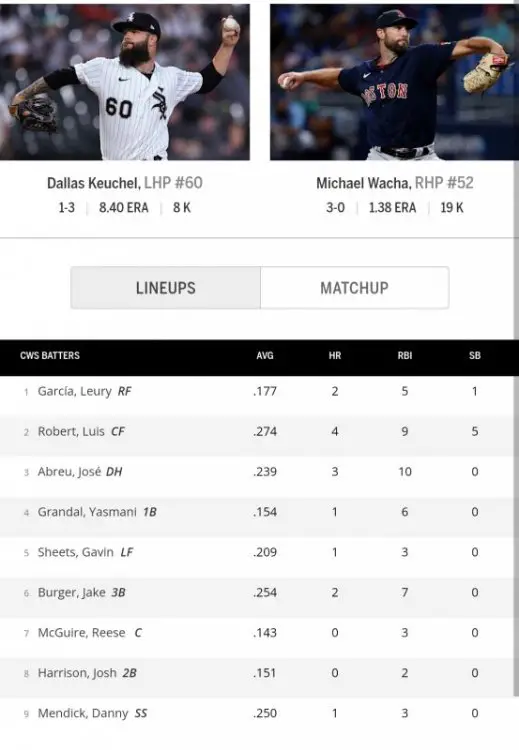
And a line up that no one wants to see! ~TLR probablyStay in bed everyone, it's the literal Sunday line up
 Bullshit Peacock broadcast.Cody is now 5-0SUCK IT SAWKS!!!HmmCols has been hurt but I believe was expected back soon. No idea on Cespedes.CODY IS 4-0!!!!Sox #1 https://www.facebook.com/BRWalkoff/posts/7238120436263175Hopefully that either got lost in translation, or there is something cultural that prompted that.And his whole "I quit, no I don't, but trade me" routine too.I would be insanely shocked if Yermin ever saw Chicago again with the Sox. Let's just start off with how many other 1B we have on the roster, but that bridge is toast.
Account
Navigation
Search
Configure browser push notifications
Chrome (Android)
- Tap the lock icon next to the address bar.
- Tap Permissions → Notifications.
- Adjust your preference.
Chrome (Desktop)
- Click the padlock icon in the address bar.
- Select Site settings.
- Find Notifications and adjust your preference.
Safari (iOS 16.4+)
- Ensure the site is installed via Add to Home Screen.
- Open Settings App → Notifications.
- Find your app name and adjust your preference.
Safari (macOS)
- Go to Safari → Preferences.
- Click the Websites tab.
- Select Notifications in the sidebar.
- Find this website and adjust your preference.
Edge (Android)
- Tap the lock icon next to the address bar.
- Tap Permissions.
- Find Notifications and adjust your preference.
Edge (Desktop)
- Click the padlock icon in the address bar.
- Click Permissions for this site.
- Find Notifications and adjust your preference.
Firefox (Android)
- Go to Settings → Site permissions.
- Tap Notifications.
- Find this site in the list and adjust your preference.
Firefox (Desktop)
- Open Firefox Settings.
- Search for Notifications.
- Find this site in the list and adjust your preference.