
RibbieRubarb
Members
-
Joined
-
Last visited
Everything posted by RibbieRubarb
-
-
I do love that Axe Handle bat Bryant swings…
-
Best give up those runs earlier huh…? ?♂️
-
Dammit why couldn’t Cease have given up 5 and go the distance? #FireKatz
-
I mean...that settles that
-
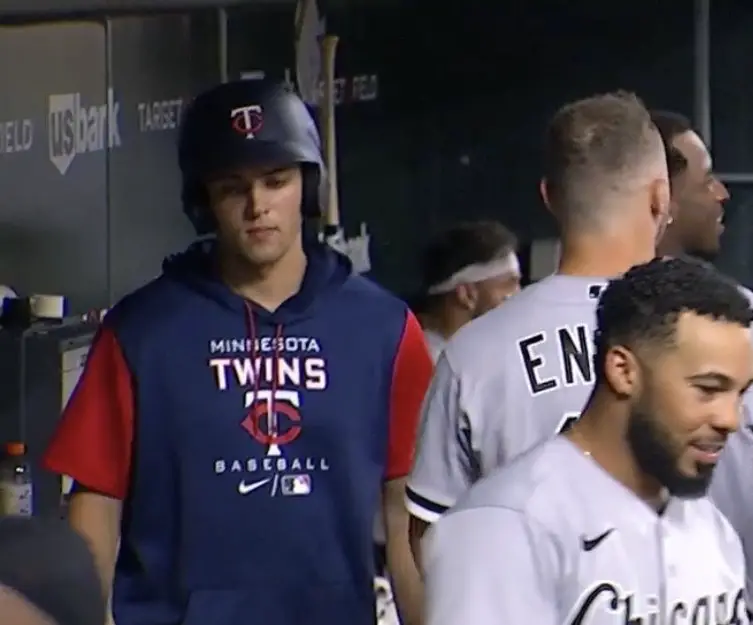
I'm in. How much?Oh good. We needed a DH.PuntOMeter? Thats a really useful invention...He should be in the lineup EVERYDAYPoor kid…lol (After Engel HR)
 Shane:And his name rhymes with "Rick Hahn" or "Steve Stone".Welcome to Soxtalk."Dear Jerry... My many years of playing MLB The Show and beating 12 year olds across he country with my sick ass team proved I am what the White Sox need. How many Diamond cards does the team currently own that we can use?..."





Account
Navigation
Search
Configure browser push notifications
Chrome (Android)
- Tap the lock icon next to the address bar.
- Tap Permissions → Notifications.
- Adjust your preference.
Chrome (Desktop)
- Click the padlock icon in the address bar.
- Select Site settings.
- Find Notifications and adjust your preference.
Safari (iOS 16.4+)
- Ensure the site is installed via Add to Home Screen.
- Open Settings App → Notifications.
- Find your app name and adjust your preference.
Safari (macOS)
- Go to Safari → Preferences.
- Click the Websites tab.
- Select Notifications in the sidebar.
- Find this website and adjust your preference.
Edge (Android)
- Tap the lock icon next to the address bar.
- Tap Permissions.
- Find Notifications and adjust your preference.
Edge (Desktop)
- Click the padlock icon in the address bar.
- Click Permissions for this site.
- Find Notifications and adjust your preference.
Firefox (Android)
- Go to Settings → Site permissions.
- Tap Notifications.
- Find this site in the list and adjust your preference.
Firefox (Desktop)
- Open Firefox Settings.
- Search for Notifications.
- Find this site in the list and adjust your preference.