

JTB
Members
-
Joined
-
Last visited
Everything posted by JTB
-
-
-
-
I watched on my phone because my boys wanted to watch hoops on the big screen and since basketball pays the bills I’m pleased my guys like watching. ?
-
Yep. It was easy. Watched on my phone with the NBA on TV. I’m 58. ?
-
I live less than an hour and work about 20 minutes from the FOD. Many years ago, a group of us were road drinking (I know, I know…we were barely out of college and we’re all Wisconsinites, it’s in our blood). We decided to go to the FODs. One of the girls had to go, so she peed in third base.
-
Two plays in a row without Garcia getting in the way. Nice,
-
Teeing off I think would be a good description.
-
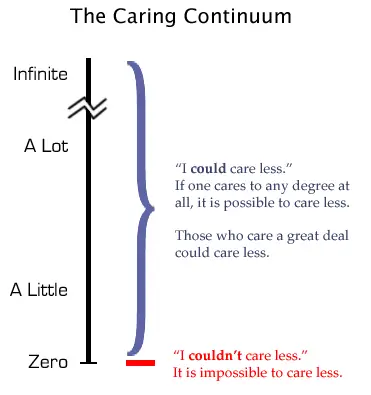
At least you care.
-
Has anyone heard from @soxlover15? Hope he’s feeling OK today. ?
-
Fuck it, why not both! Three way trade, Sox get Ohtani, Trout and Montas. Angels and A’s can share Vaughn.
-
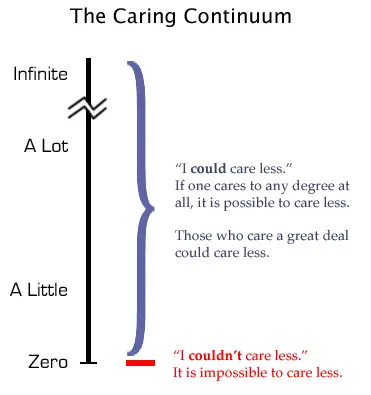
At least you care!
-
Dick Allen guy isn’t bad either and the guy who was 72 MVP for the Sox could rake from the right side too. ?
-
Not all.
-
No you won’t.
-
Hopefully, you’re correct. ?
-
How about at 2nd?
-
Go to HS games and/or college games in the spring. Take in some wooden bat summer league games. There are options and they’re all inexpensive and lots of fun!
-
My Athletic Director did an internship for the Sox when Hemond was GM. Said that he sat with Hemond virtually every game for at least part of it. Nothing bu great things to say. RIP
-
The 25 man roster in both leagues was set in 1914. https://www.baseball-almanac.com/articles/baseball_rosters.shtml it became part of the CBA in 1968 (per wiki). The roster was limited to 24 from 86-89 due “escalating player salaries.” It moved back to 25 until the recent increase to 26.
-
I’ll go with Feb. 29. You can pick the year.
-
Honestly, I’m not a big fan of the name Cavan, but to each his own. Biggio is fine.
-
1. OJ Simpson…still resides in our consciousness as a country. 2. Miracle on Ice…what it did for the countries psyche at the time can’t be overstated. 3. Magic Johnson seems reasonable as do a few others, but the first two have stood the test of time and stand above the rest.
-
-
Thank fucking god.



