
Kyyle23
Admin
-
Joined
-
Last visited
Everything posted by Kyyle23
-
If they want to suspend him after stupidly ejecting him, I don’t know what to say. He doesn’t deserve any other punishment, he clearly didn’t mean to buzz Stewart like he did
-
Ok so think of it like a manager instead of a fan kicking his feet. Who would you have put in? Which member of this staff are you completely confident in to throw in the 2nd inning (by surprise, Fedde certainly wasn’t ready) and pitch a long time? You want to throw Taylor in the 2nd? Brazobán? Has Hudson or Newcomb shown to be long relief stoppers? Martin hung this entire staff out to dry
-
It’s not a single start, he can’t go deep into games and he gives up a lot of early runs. The guy is toast this season
-
We believe in JCY (Not Ron)
-
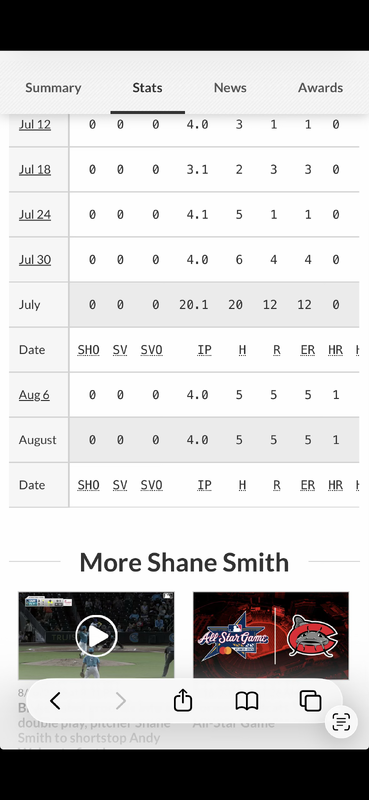
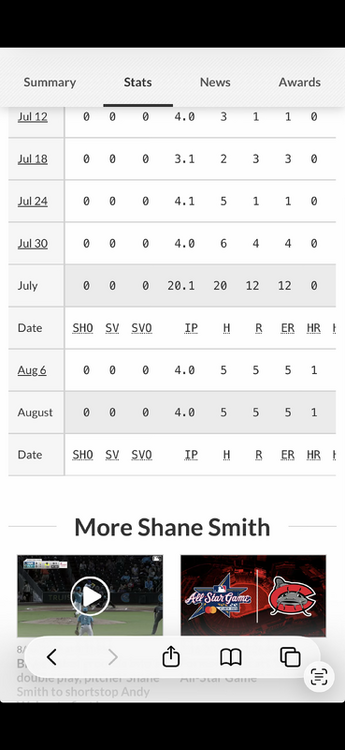
Smith is so bad. Bringing him up is not the correct move
-
He also was on Jeopardy recently
-
This man says violent diarrhea is a better choice than a Davis Martin start
-
All three games winnable, two losses undone by pitching
-
The rumor that got out yesterday indicated the Bears were willing to add Indiana to their name. George is now fully caught between both sides muddying the water
-
Sometimes these losses feel good because you put up a good fight but came up short. This feels real shitty because it feels like the offense did their job and the pitching was absolute clown shoes. Something needs to be done with Martin. It’s past the alarm bells, he has no control anymore and he is getting torched before the Sox get to hit.
-
Imagine not having to address this, George

-
Can always count on Francona to roll into Chicago late in the season and just f*** EVERYTHING up
-
I think a lesson we all have learned here today is that Fedde should never follow Martin under any circumstance
-
Come on now, Fedde absolutely has blame here
-
Ok, next time let’s not have Fedde follow Martin. Forever
-
Nah nah nah you aren’t gonna try and make this like you are diving on a grenade
-
Goddamnit ron
-
How it started how it’s going
-
There are 3 days off between now and the end of the season and they don’t play the Reds again. They have to try
-
If Ron mushes this one then he is gonna be banned from making game threads. however, game thread responsibility has been shirked
-
Ok, but when I played this in bars we put the WHAMMY on that mouse wheel. Can that podium withstand the WHAMMY?
-
Honestly, maybe he is becoming part of the CHSN team.
-
Burke has been delivering boss performances all season
-
LFG
-
Would be an optimal outcome if Hagen Smith could become a dependable late inning pitcher