

Everything posted by Quin
-
Talk to me after he hits his first home run.
-
If the Mets don't bring back the Mercury Mets jerseys in some capacity when/if he makes the bigs, I don't know what they're doing.
-
Wes Helms update any day now.
-
Never trade a man with two last names.
-
The Machado thread was like 300, so all things considered, we've learned.
-
He badly needs a HR call but I would unironically love this.
-
Yeah, I know Soto is a decade younger than Durant, but the Nets are (rightfully) demanding a monster package in the offseason and no one is biting. That steep, steep price is gonna be coming down.
-
Man you must hate the Schultz pick.
-
A quick Google confirms your thoughts, but we're talking about my hometown.
-
My 5'10" self would love if this was true.
-
For anyone that wants to undersell what Vaughn is doing, just take a look at Torkelson's struggles. There's a reason the Sox haven't been willing to trade AV.
-
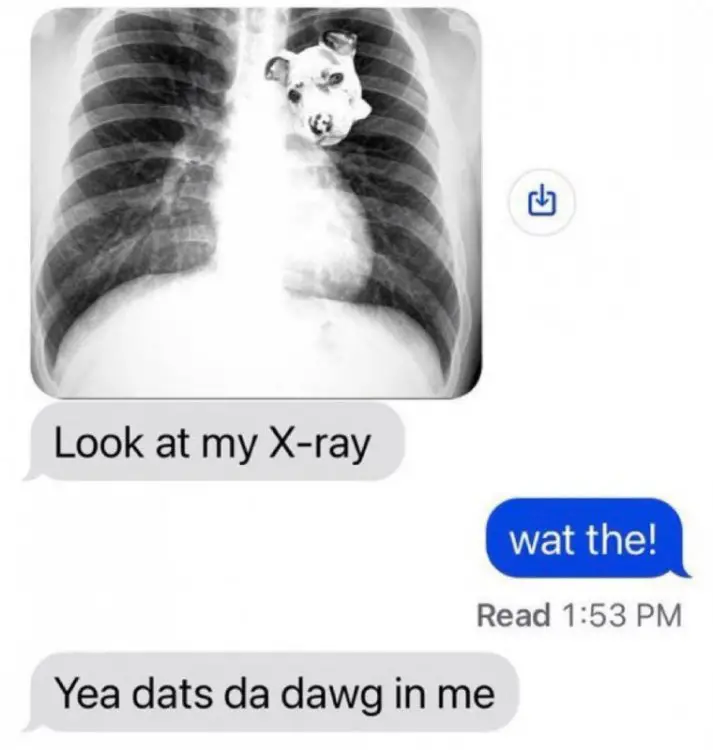
X-Ray that Elko got done at the same time as his ACL tear.
-
A nice, juicy OBP.
-
Henceforth he shall be known as The Italian Beef.
-
We got our catcher!
-
28th round of the 2019 draft.
-
If he ever makes the big leagues they're naming an Italian beef stand after him.
-
That nab at 17 seconds is some sweet shit. Also, wtf is Oregon's field.
-
Sox cornering the mono market
-
Subsequently, when you see analysis go "the Padres/Cardinals had an amazing draft because they snagged two first round talents!" it's because they had those extra picks.
-
Even though he's apparently an ass on the field, I kinda wanted Drew Gilbert. I remember when it looked like the Sox had fixed Alec Hansen (and his 6-8 statute) and then that went to shit, so...we'll see.
-
Alright boys, starting working Schultz (and maybe Pallette) in there.with plate discipline.I think a lot of the proposed packages are neglecting the fact that he's not signed to a team friendly deal and whatever team is signing him is putting down a half billion dollars. They see Soto and just put down the winning deal.




.png.e078346415a94904be0b2cb22520de1a.png)

