
All Activity
Past hour
-
Good-good? Sox-Rays next Monday.
-
I didn’t know she existed before tonight. 🤣Yankees with the worst defensive game I've seen in a long time. They're screwing up so many routine plays.Pitchers love saying thisSorry she blocked youThank you for bringing this back.
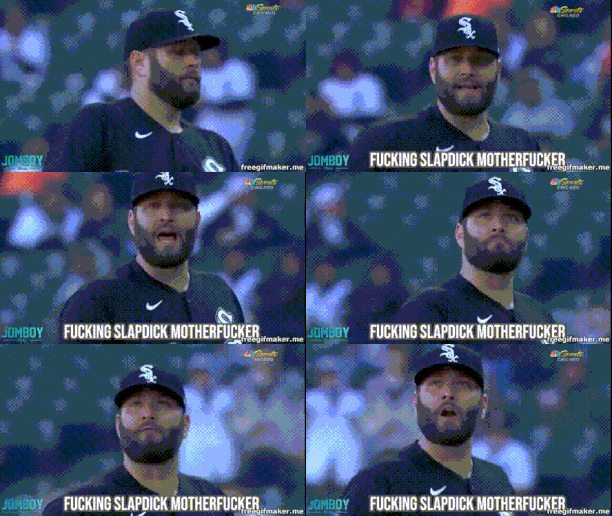 I love you all.I think he just called him a slap dick motherfucker..Hell yeah!!! Don’t stop now boys!!!Guardians players were relaying location on 2nd in the 3rd inning.Yeah, no point in possibly playing that into extra bases.It is crazy that the Rays finally have fansJust have a make-up Bonemer and she’ll be fine.Every game someone steps up, Braden gets into the act today, and he did it right-handed.Parking lots open 4 hours before first pitch according to Josh Nelson at Sox Machine.Two hours before first pitch.What are you referencing?
Today
And for all the grousing about Sam, he backed up Adell's triple just fine.My wife is so annoyed with meWhat is this about?The playoffs?NBA started it.
















.thumb.jpg.acbdc1097283affff104fdb503e5766f.jpg)


