southsider2k5
Admin
-
Joined
-
Last visited
Everything posted by southsider2k5
-
To each his own.
-
Getz literally bragged about it.
-
Even a back of the rotation guy has plenty of value. If that's who he is, he can still be useful. But keep in mind the entire reason he was available to the White Sox is because he had thrown a total of 157 innings over three injury plagued seasons. There is also a chance an injury riddled pitcher is who he is, because that is who he was before last year.
-
The reason the payroll is low IS Jerry. Getz had to go to JR and beg him to sign Mune, and that is the only thing currently standing between them and the absolute lowest payroll in MLB.
-
No one WANTS to write him off, but we all saw what he was when he started this year. He wouldn't be the first guy to have a fluke season.
-
Of all of the people who you can cuck for, imagine picking Jerry Reinsdorf. Like he give two shits about any of us.
-
Second verse, same as the first!
-
And then gets picked off right after his single.
-
Never stop adding pitchers. It is more true today than ever before.
-
80 years of being a Sox fan.
-
Let me be the first hear to with the Knicks a congratulatory f*** New York.
-
Bo or Deion
-
He was pretty bad in Japan last year, and is a notoriously bad teammate. Hopefully we learn from our mistakes with Tony, and don't add a toxic dose to what seems to be a pretty solid chemistry mix right now.
-
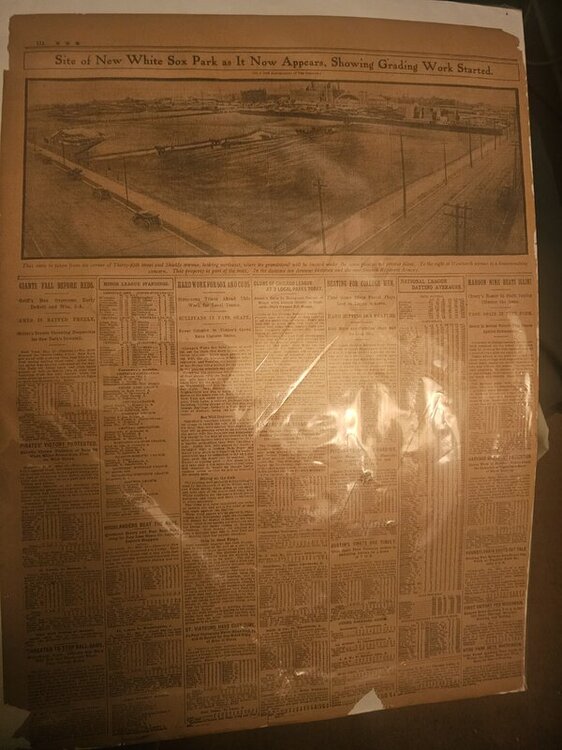
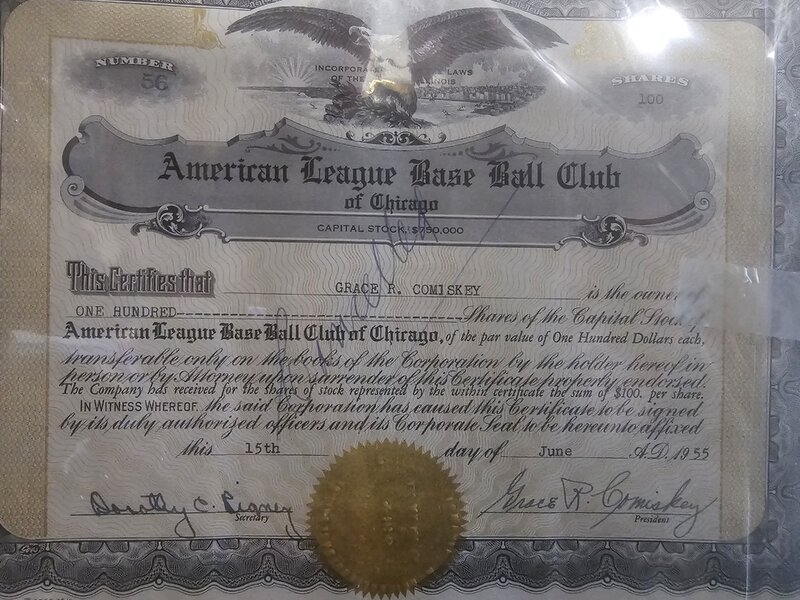
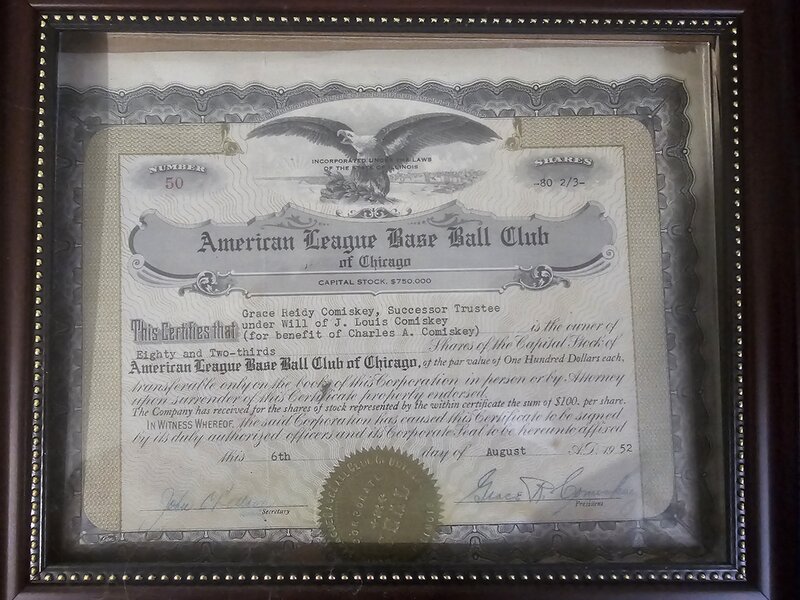
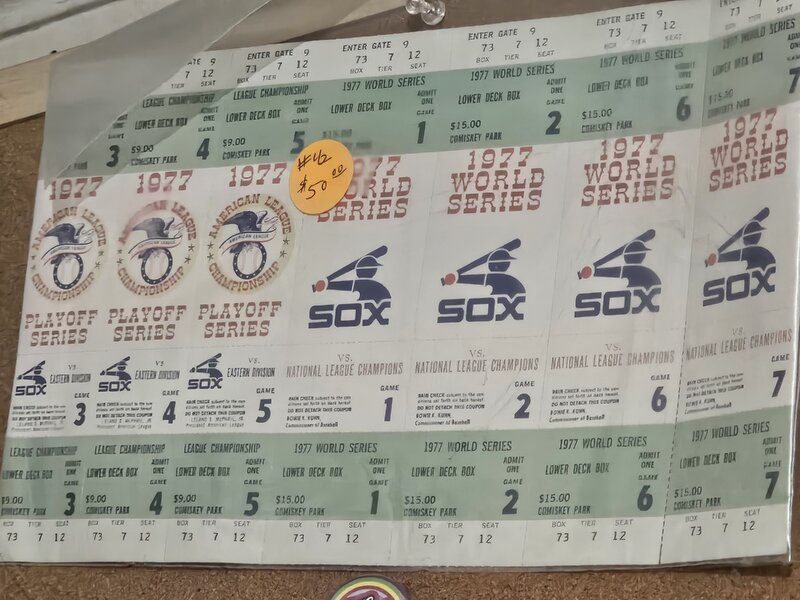
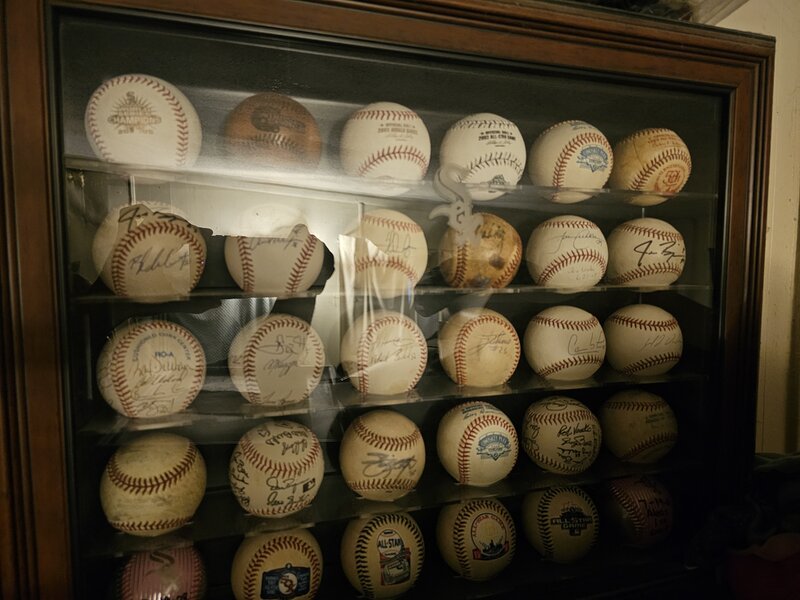
Nice job activating Alex Call.Cadence is absolutely part of it. He's in tied game, with 10 seconds to go in game 7 of overtime mode.. all of the time. Most of baseball is at a 2 or 3. He's at 9 or 10 way too often.Look, I have spent parts of 4 decades broadcasting high school sports. I can absolutely speak for myself in that there is a huge difference in the quality of the broadcasts of the games I lived and breathed, versus the ones I don't have as much experience in. Playing might help, but it is obvious when someone THINKS the game, versus just describes what they see happening in front of them. There is a depth that guys who think the game have, that others don't. While I can't stand Steve Stone, you can't help but see his ability to breath in a game, and understand what is coming. Even a guy like Jason has a feel for sports that he combines with his ability to find whatever his partner is best at and have them do it most. I don't see that in Schiff. I don't see any of that in him. He's energetic, loud, colorful, and excited, but in a sport like baseball, filling the dead air is the most important part, and he struggles to do it. He's not made for baseball.Look, I get the "to each his own" thing, but after the world class announcers we have had in the city of Chicago, I can't even start to put this guy into a category anywhere near that.They would need to eat that entire salary.Ebay over the years. They are rare, but very occasionally pop up.While I appreciate the mass produced, and have plenty of them, I love the 1 off and pieces with a story.1909 Chicago Tribune article about the future opening of Comiskey Park 2 stock certificates from the 1950s, signed by Comiskey family members.1977 tickets printed for the playoffs that never happened.My custom autograph case, including special season baseballs from the 83 all star game, 05 world series, 91 Comiskey opening, 03 ASG, etc.
 The guys who can pull this off have either an edge to them that attracts you to them, some biting wit that keeps them relevant, or some kind of insights that you don't hear from everyone else. Kaplan has none of those.#FRWhen they were forgoing the 16 year olds for the Cubans, it made sense sort of.He didn't do s%*# is more accurate. Not sure if he was terrible at his job, or if they wouldn't let him go after the younger kids.