


southsider2k5
Admin
-
Joined
-
Last visited
Everything posted by southsider2k5
-
He went from Cy Young to Jaime Navarro. There was no slide. He flipped like an upside turtle.
-
And that's just when he fills out the line up card.
-
I really get the feeling he could be our number 1 prospect very soon.
-
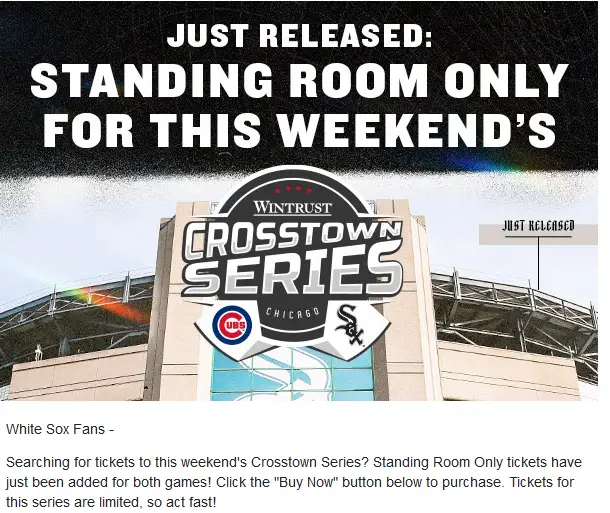
If that was true Bruce Levine would have told us all MONTHS ago. [green]Someone started drinking early this weekend.I can't imagine a much worse fate than the SRO crowd for this series, but apparently they are out there.
 Verlander is a once in a generation freak. He's the Nolan Ryan of the early 21st century.^Well that works too. Hopefully a lot of small signings as lottery tickets or a Cuban we don't know about yet.Interesting. So they still have a few hundred thousand left for this period.Can we do Tony LaRussa next?I don't think so.32 innings in 44 games.How this isn't #1, I will never know.And you guys were worried Dallas was going hit his option.Thanks Josh Donaldson.This banner might be the GOAT, which is saying something.There it is.




Account
Navigation
Search
Configure browser push notifications
Chrome (Android)
- Tap the lock icon next to the address bar.
- Tap Permissions → Notifications.
- Adjust your preference.
Chrome (Desktop)
- Click the padlock icon in the address bar.
- Select Site settings.
- Find Notifications and adjust your preference.
Safari (iOS 16.4+)
- Ensure the site is installed via Add to Home Screen.
- Open Settings App → Notifications.
- Find your app name and adjust your preference.
Safari (macOS)
- Go to Safari → Preferences.
- Click the Websites tab.
- Select Notifications in the sidebar.
- Find this website and adjust your preference.
Edge (Android)
- Tap the lock icon next to the address bar.
- Tap Permissions.
- Find Notifications and adjust your preference.
Edge (Desktop)
- Click the padlock icon in the address bar.
- Click Permissions for this site.
- Find Notifications and adjust your preference.
Firefox (Android)
- Go to Settings → Site permissions.
- Tap Notifications.
- Find this site in the list and adjust your preference.
Firefox (Desktop)
- Open Firefox Settings.
- Search for Notifications.
- Find this site in the list and adjust your preference.